-
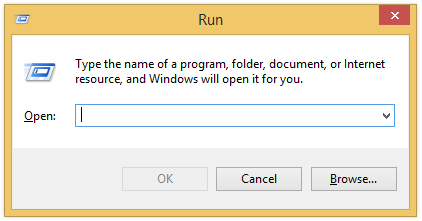
Press Windows + R to open the Run dialog.
-
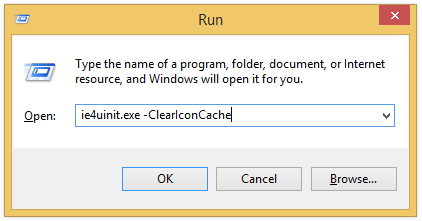
Type ie4uinit.exe -ClearIconCache in the text box and press Enter.
-
Done. The icon cache will get instantly cleared.
Thanks to WinHelpOnline for discovering this trick.
 door2windows
Press Windows + R to open the Run dialog.
Type ie4uinit.exe -ClearIconCache in the text box and press Enter.
Done. The icon cache will get instantly cleared.
Thanks to WinHelpOnline for discovering this trick.